Stage1: Measuring What Actually Shipped
A product inspection tool that records what a live site really renders, compares it with the design system it's supposed to follow, and ties every finding to its evidence.
Stage1 opens a live site in a real browser and records what shipped: styles, tokens, structure, accessibility results, and Lighthouse results. It compares that with a Figma file, CSS, or token JSON, and links each finding to its evidence. It runs on your machine as a command-line tool, a local viewer, and an MCP server, and it's free on npm.
TL;DR
Challenge → Approach → Results
Challenge
Every design system drifts. By the time anyone notices, the Figma library, the token file, and the shipped CSS describe three different products, and the only way to know which one is true is to go and look.
Approach
Capture the live product in a real browser, compare what it renders with the design files and source it claims to follow, and keep the evidence behind every finding, from screenshots and the DOM to accessibility and Lighthouse results.
Results
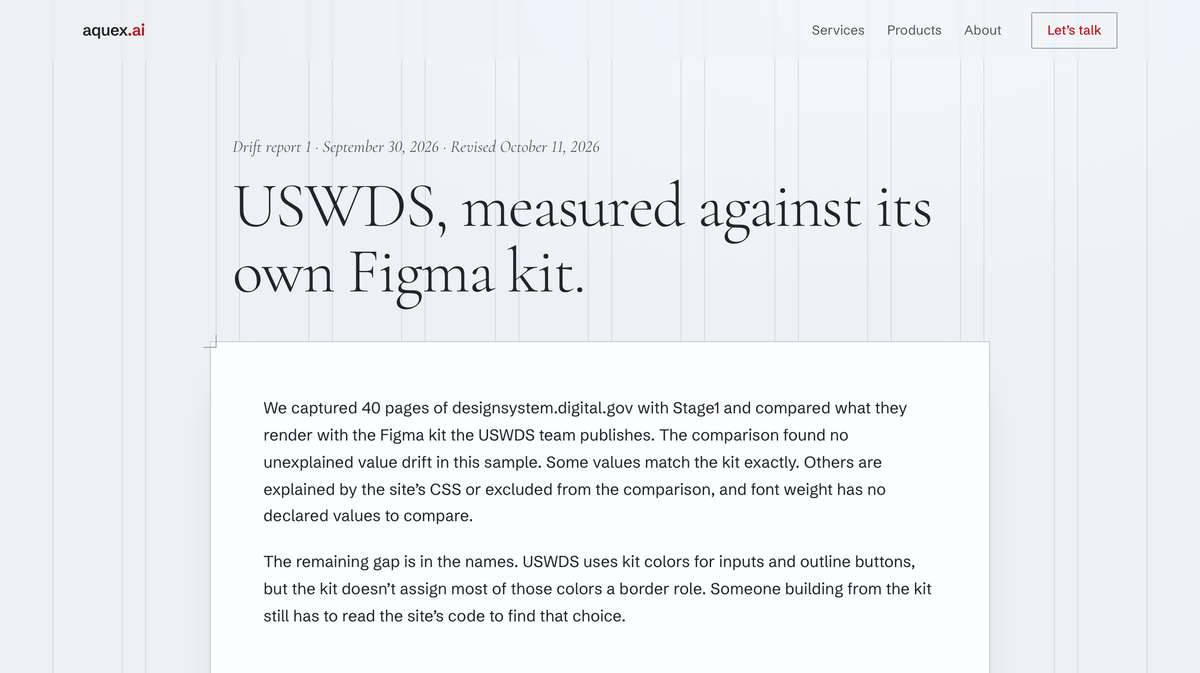
A free tool on npm under Apache 2.0, used on both of this year's client engagements, and a public drift report on the U.S. Web Design System that found no unexplained value drift and a real gap in how the kit names its colors.
Outcomes
- Live capture in a real browser
- Comparison with Figma, CSS, or token JSON
- Every finding linked to its evidence
- Baselines and team rules that run in CI
- Command line, local viewer, and MCP server
Resources
The drift is already in production
Every design system drifts. A token gets overridden to hit a deadline. A component gets forked in one product area. A spacing value gets hard-coded because the right one wasn’t obvious. Nobody decides it. It accumulates.
By the time someone notices, the Figma library, the token file, and the shipped CSS describe three different products. The only way to know which one is true is to go and look. Stage1 goes and looks.
Capture what the browser actually renders
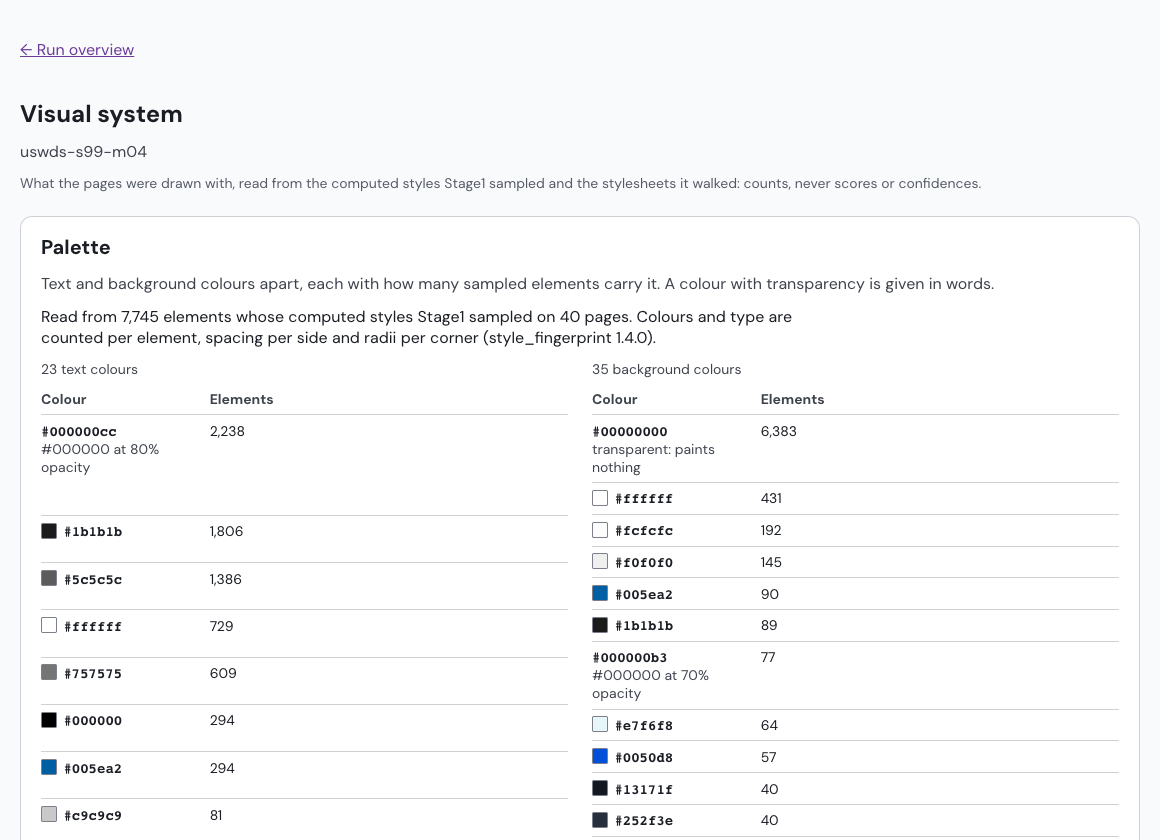
Stage1 opens a live site in a real browser and records what shipped: computed styles, tokens, structure, accessibility results, and Lighthouse results. It reads the information architecture from the navigation, page types, and filters, and it keeps the evidence for all of it, from screenshots and the DOM to the axe and Lighthouse output. A manifest records a SHA-256 hash of every file in the run.
Compare it with what the system says
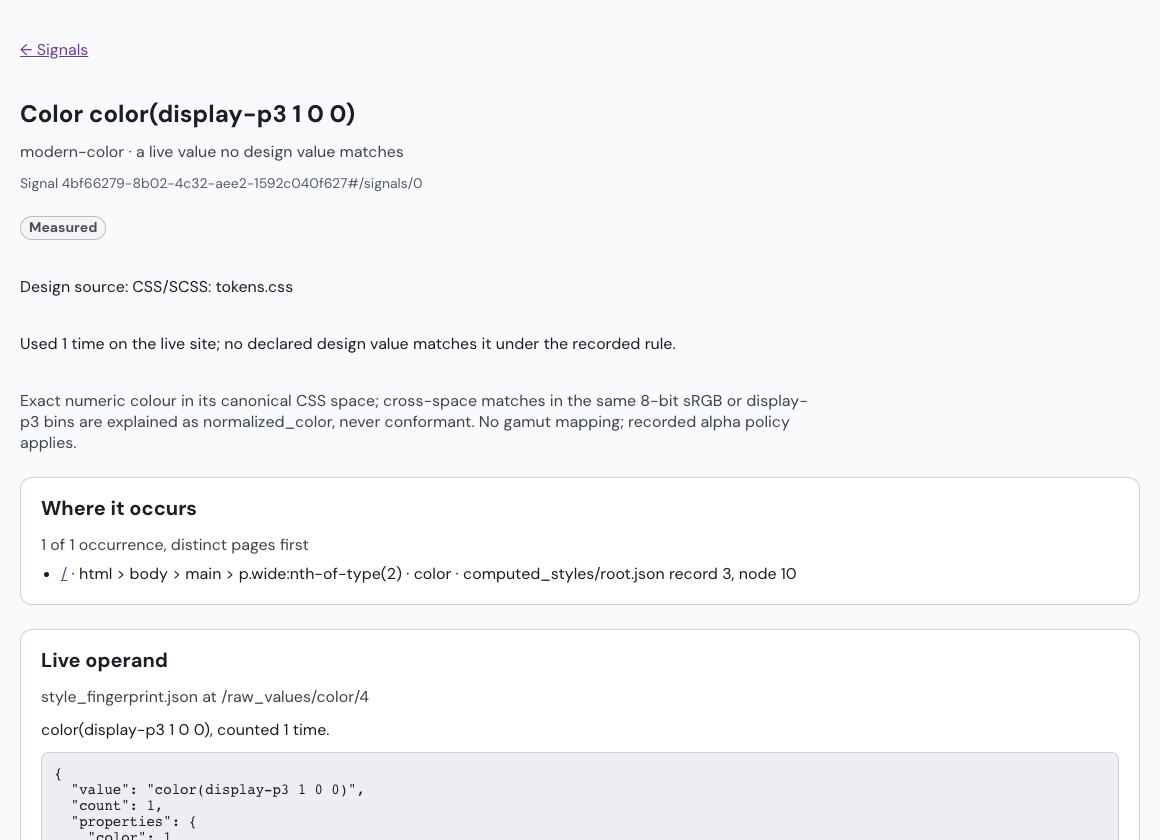
Then Stage1 compares the capture with the design system it’s supposed to follow: a Figma file, CSS or SCSS, or token JSON. Each difference becomes a finding linked to the exact evidence behind it, so a reviewer can check the claim instead of trusting it.
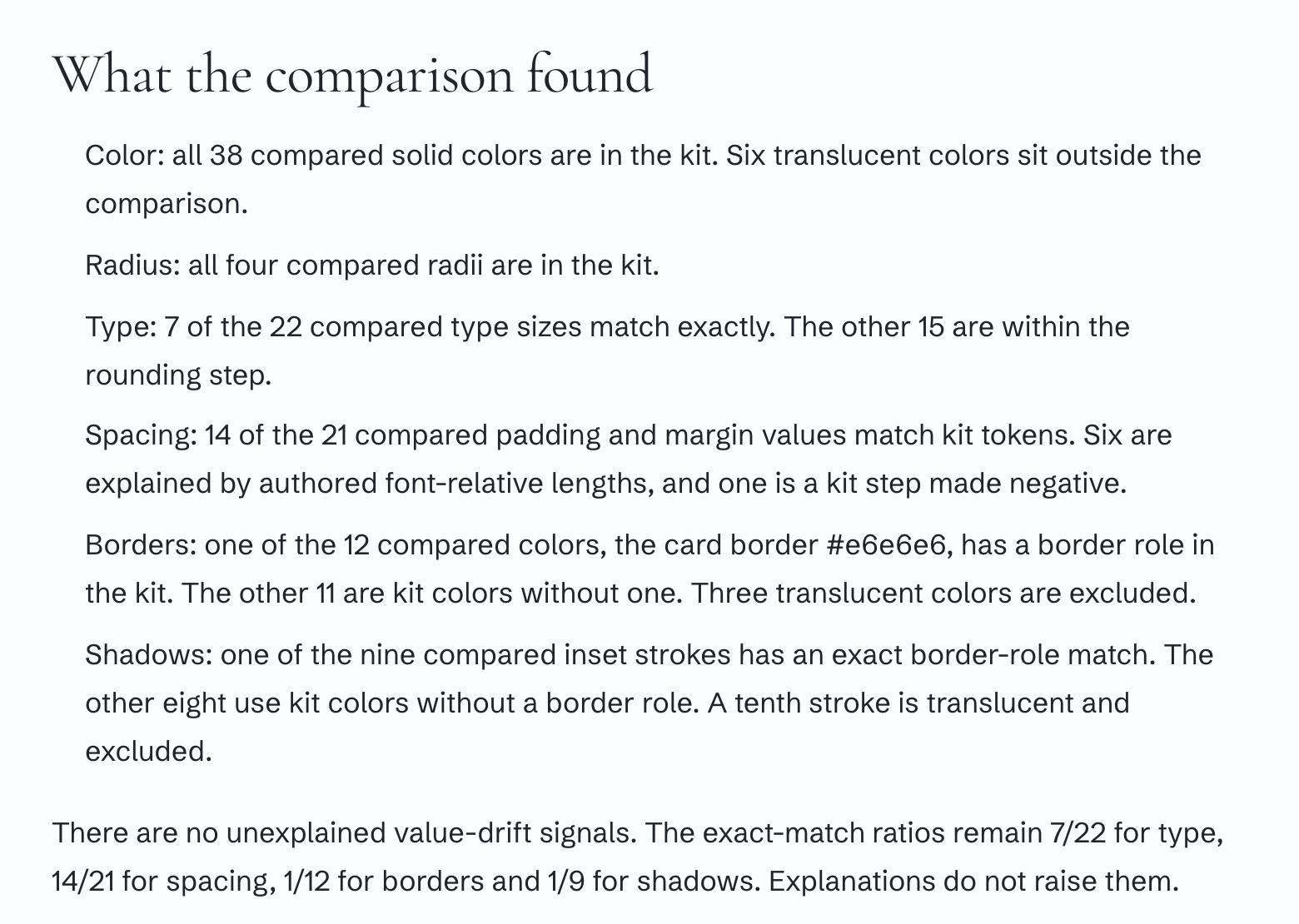
The first public report put this to work on the U.S. Web Design System. Stage1 captured 40 pages of designsystem.digital.gov and compared them with the Figma kit the USWDS team publishes. It found no unexplained value drift in that sample. The gap it did find was in the names. The site uses kit colors for inputs and outline buttons, but the kit doesn’t give most of those colors a border role. As the report puts it, “The code has made this choice. The kit doesn’t record it.”
Check the next change
A capture can become a baseline, and the next capture shows which findings are new, resolved, or changed. A team writes the rules that block a pull request, and Stage1 applies them in CI, naming any difference in the capture or comparison settings that prevents a check. It can also export design tokens in the DTCG format from a Figma kit, CSS, or a captured site, and it lists what it couldn’t carry across and why.
Evidence an agent can read
A screenshot makes an AI assistant reconstruct what the software already knew. Stage1 hands it the page structure, the computed styles, and the accessibility findings instead. It runs as a command-line tool, a local viewer, and an MCP server, so Claude, Cursor, or any MCP client can start a capture, read the evidence, and answer questions about it. Captures run on your machine by default.
On client work
I used Stage1 on both of this year’s engagements. For Parts Town, its captures recorded navigation, categories, filters, and breadcrumbs, including journeys that needed direct interaction. For The Academy, it captured the existing site as the starting point for the content inventory and migration.
What it doesn’t do
Stage1 doesn’t score design quality or certify accessibility. By default it captures up to 50 pages and runs Lighthouse on up to five, and it doesn’t run on Windows. It reports what it measured and leaves the judgment to the team.